#Parser, LSP and SQL Editor
The editor is built around a Chevrotain lexer/parser and a concrete syntax tree (CST), not a collection of regexes. The CST gives completion, diagnostics, semantic tokens, navigation, and refactoring a shared interpretation of the same statement. Metadata then enriches that interpretation with tables, columns, types, and definitions.
#What the parser understands
- SQL statements, clauses, expressions, joins, nested subqueries, and dialect-specific keywords.
- Alias and CTE scopes, including qualified paths such as
X.DATE_where only columns fromXshould be offered. - Netezza object notation:
TABLE,SCHEMA.TABLE,DB.SCHEMA.TABLE, andDB..TABLE. - Quoted identifiers and keywords used as identifiers where the selected dialect allows them.
- NZPLSQL procedure structure, variable scope,
SELECT … INTO,RETURN,OUT/INOUT, and block matching.
For example, the editor can tell that o.amount belongs to the orders alias, while amount in a nested CTE may resolve to a different scope. It can also preserve a three-part or DB..TABLE reference when generating a fix.
#Context completion
Completion is selected from the cursor context:
WITH recent AS (
  SELECT o.customer_id, o.order_date
  FROM SALES.ORDERS AS o
)
SELECT r.| FROM recent AS r;
At r.|, suggestions are columns visible through r, not every function and column in the connection. At r.order_, the partial qualifier continues to filter columns. Without a qualifier, the resolver considers aliases and visible CTEs, then uses metadata to rank real columns.
For the full completion inventory, JOIN relationship settings, cache behavior, and a step-by-step verification checklist, see SQL completion: scope, settings, and verification.
#Diagnostics with examples
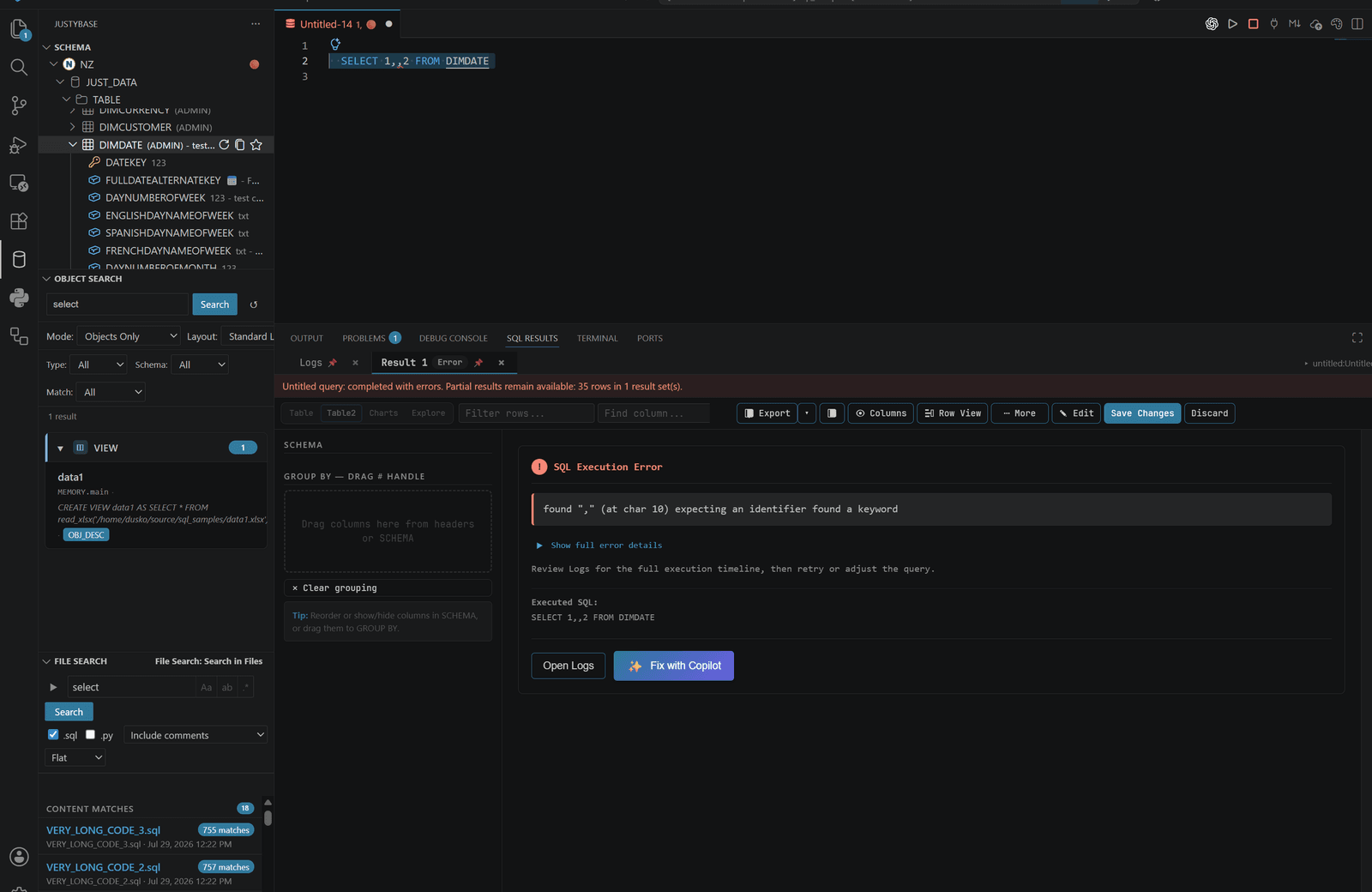
#Unknown alias
SELECT x.customer_id
FROM SALES.ORDERS AS o;
The parser and semantic scope see x as an unbound alias. Rename it to o or qualify the intended relation; completion and navigation use the corrected alias immediately.
#Unknown column
SELECT o.not_a_column
FROM SALES.ORDERS AS o;
With a refreshed schema cache, the validator reports the column and completion can suggest the actual names. Without metadata, syntax and scope checks still work but catalog-dependent column checks cannot be conclusive.
#Type mismatch
SELECT *
FROM SALES.ORDERS
WHERE order_id = '1001'
  AND order_date > 20240101;
If metadata says order_id is numeric and order_date is text/date-compatible, SQL025/SQL026 can warn about suspicious literal types. These are warnings about comparison intent, not a claim that every database will reject the expression.
#CTE scope
WITH customer_totals AS (
  SELECT customer_id, SUM(amount) AS total_amount
  FROM SALES.ORDERS
  GROUP BY customer_id
)
SELECT c.customer_id, c.total_amount
FROM customer_totals AS c;
The CTE definition is visible at the outer query and its output aliases are used for completion, hover, symbols, and reference resolution. A name that exists only inside the CTE is not offered outside it.
#Editor features
| Feature | How it is resolved | Metadata needed |
|---|---|---|
| Completion and signature help | CST context, alias/CTE scope, dialect authoring profile | Better with connection; built-ins work offline |
| Hover | Parsed identifier role and catalog definition | Usually yes for tables, columns, and types |
| Go to Definition / References | Symbol and relation scope | Yes for database objects; local CTEs can work offline |
| Rename | Parser-selected symbol and exact token ranges | Metadata improves object confidence |
| Semantic tokens | Strict parse plus identifier-role collection | No for syntax roles; yes for catalog-aware types |
| Inlay type hints | Qualified column resolution | Yes |
| Folding, document symbols, CodeLens | Statement/CST boundaries | No, except action availability |
| Formatting | Dialect formatter and statement structure | No |
| Code actions | Diagnostic ranges and safe rewrite rules | Some fixes need metadata |
#LSP and extension-host fallback
The desktop extension uses an LSP server for language features where the server is available. The extension-host providers and shared packages/sql-core surface supply the same parser concepts for startup, web, tests, or platform-specific cases. A fallback is intentionally conservative: if a strict parse fails, semantic coloring and unsafe rewrites are withheld rather than guessed.
The shared SQL core keeps parser and formatter behavior independent from VS Code APIs. The extension composes it with VS Code document, metadata, and language-server adapters.
#Dialect depth
Netezza is the reference parser and includes NZPLSQL analysis, broad identifier rules, Netezza notation, and warehouse-specific quality rules. Db2, Oracle, PostgreSQL, DuckDB, MSSQL, MySQL, SQLite/File SQL, and Access use dialect profiles and companion runtimes with different depths. Check Database support before assuming that a feature such as procedure parsing, maintenance, or explain visualization has parity.
#Troubleshooting
- If completion contains only keywords, refresh the schema and confirm the tab connection.
- If a valid vendor extension is underlined, check the selected dialect and report a focused SQL example; do not disable all diagnostics first.
- If coloring disappears after a syntax error, repair the first parser error. Strict semantic coloring intentionally avoids cascading guesses.
- For large scripts, the fast statement-splitting threshold is controlled by
justybase.sqlParser.fastPathThreshold.