#Data Grid and Result Exploration
The Result Panel is a data exploration workspace, not only a table widget. It virtualizes visible rows, preserves multiple result sets, and makes the scope of a filter or aggregate visible before it runs.
#Core workflow
- Run a query or batch and select a result-set tab.
- Use column sorting, a column filter, or global search. The grid virtualizes the rendered window; it does not imply that the whole database has been fetched.
- Open the column profile to inspect distinct values, null counts, distributions, and summary statistics.
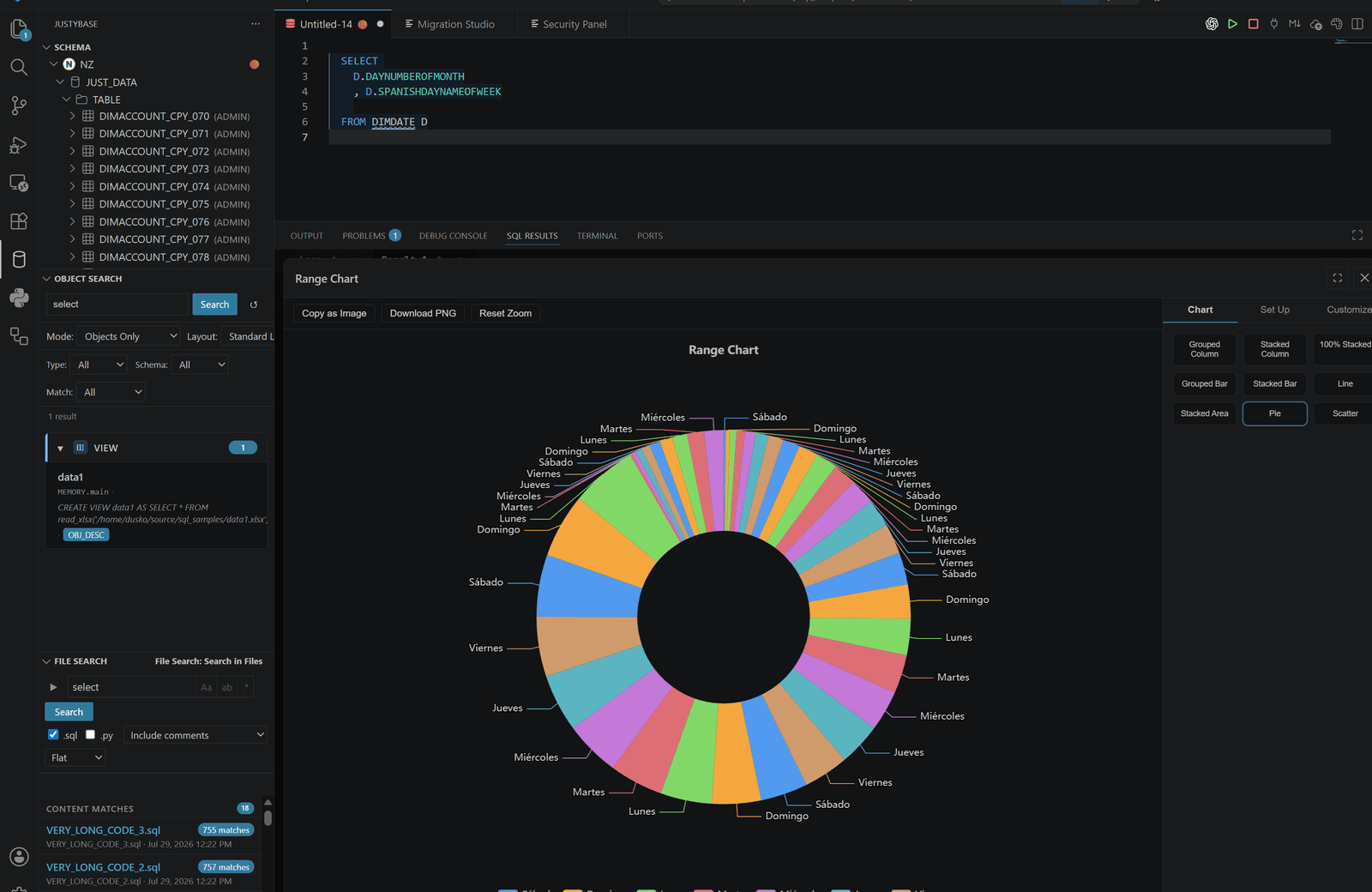
- Group or pivot when the result shape supports it, then use charts or time views to inspect patterns.
- Open Row View for side-by-side rows or Value Viewer for a long cell.
- Pin important result sets and let grid state (column order, filters, sorting, visibility, and pinning) persist for the file.
#Column filters and grouped tree rows
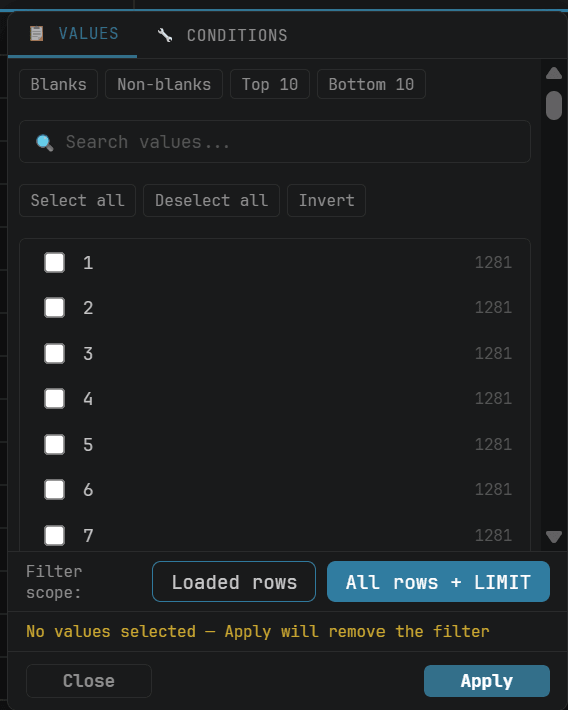
The result grid uses shared UI components. Click the funnel icon in a column header to open the Excel-like filter menu. It can search the visible values, select or invert distinct values, use text/numeric comparison operators, and match blank or non-blank values. Click Apply to keep the filter; Clear filter removes it. The older inline text fields are retained only for hosts that do not provide the rich filter menu.
Use Group to open the grouping surface and start with the first result column, or use Group by column in a header/context menu. Drag additional columns into the grouping surface to create nested groups; the chip order is the grouping priority. Each group is rendered as a tree row with an expand/ collapse chevron, indentation, row count, and preserved row selection/copy coordinates. Removing the last grouping returns the flat result grid.
Click Pivot to choose a row column, a pivot column, and a numeric value column. The operation opens in a dedicated panel and produces a separate, closable grid that respects the active filters.
Drag a cell or row selection beyond the top or bottom edge of the result viewport to keep extending it while the grid scrolls. Header widths include the type badge and the drag, pin, filter, and grouping controls. A manually saved width is still respected, but it cannot be reduced below the readable header minimum; use horizontal scrolling for a wide result.
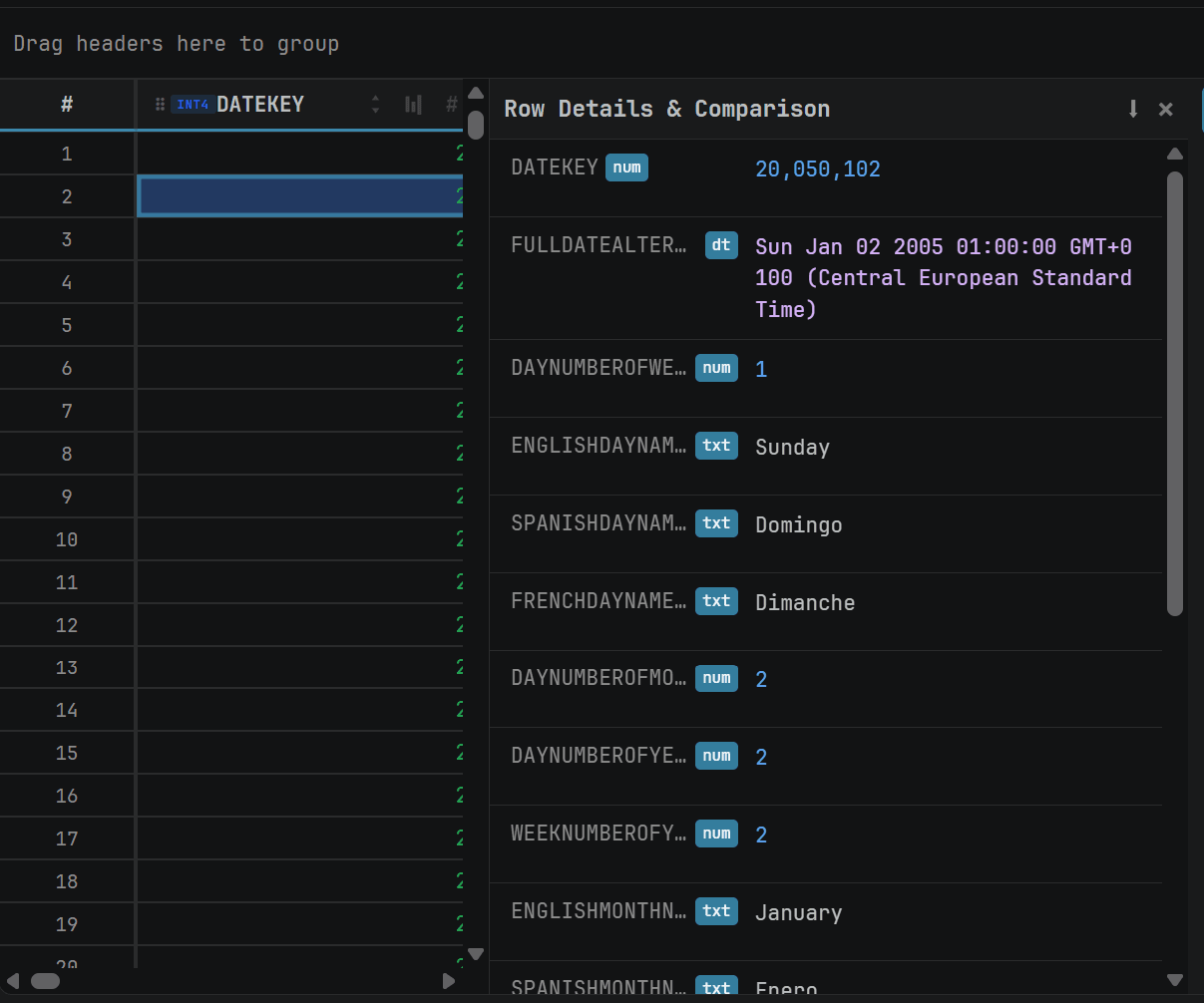
In the desktop Result Panel, open More → Responsive collapsed columns to move columns that do not fit into expandable row details. Use the chevron in a row number cell to inspect those values. The option is off by default and is remembered for that result set. Grouping temporarily suspends the layout; the setting resumes when the grid returns to flat rows.
#Three filtering modes
| Mode | Data boundary | Executes a new query? |
|---|---|---|
| Loaded rows | Rows already loaded into the in-memory grid | No |
| Disk-backed | The entire dataset fetched into the local SQLite spill | No |
| All rows + LIMIT | The logical result before its final LIMIT, then the original limit is reapplied |
Yes |
#All rows + LIMIT: the important distinction
For a query such as:
SELECT customer_id, order_date, total_amount
FROM SALES.ORDERS
ORDER BY order_date DESC
LIMIT 1000;
the database-scope filter can use this execution shape:
SELECT ... ORDER BY ... LIMIT 1000
        │
        ├─ remove the final LIMIT
        ├─ use the unlimited query as a subquery
        ├─ apply the filter or aggregate to the logical result
        └─ apply LIMIT 1000 again
Use All rows + LIMIT when you need to filter the logical result before the display limit. It requires a final LIMIT, stable and unique column names, and a query that can safely be wrapped as a subquery. Every Apply can run the database query again; a normal timeout applies, with Retry allowing the longer retry window. It operates on the logical result, not on the whole database without a boundary.
It is unavailable for a result that is already disk-backed only. Use disk-backed filtering for the complete fetched dataset instead.
#Loaded rows
Loaded-row filtering is immediate and local. It is the right choice for a 500-row result or a quick inspection of what has arrived. It cannot find rows that were never fetched because of rowLimit, cancellation, or the original database LIMIT.
#Disk-backed
Disk-backed filtering sees every row fetched into the SQLite spill, without a second database query. It can sort, group, calculate distinct values, and aggregate over that fetched dataset. It still cannot see rows the server did not send. Inline editing is disabled for disk-backed results.
#Aggregations and profiles
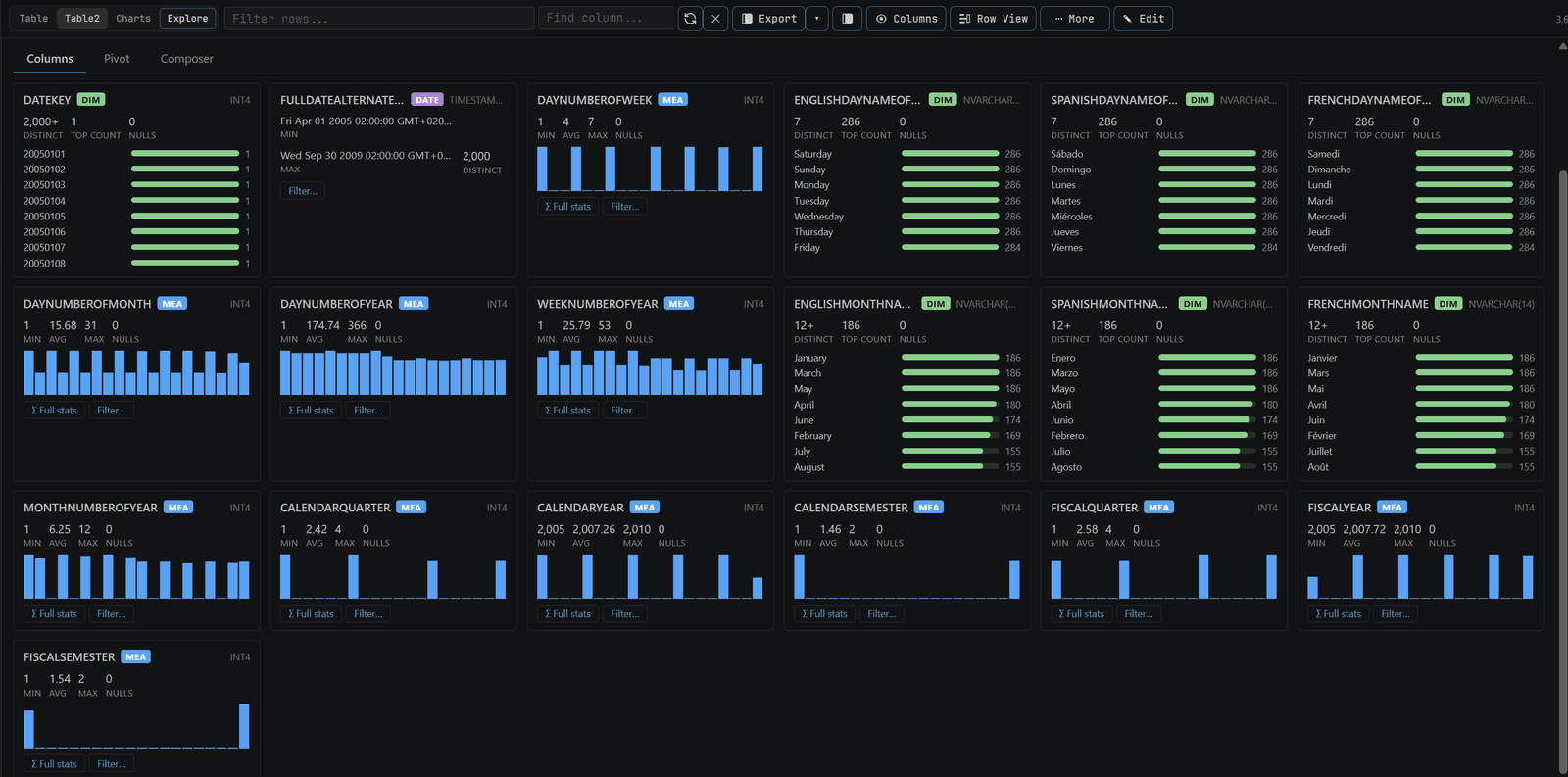
Visible-scope aggregation uses the currently filtered grid/spill. Database-scope aggregation uses the unlimited subquery used by All rows + LIMIT. Available operations include SUM, AVG, MIN, MAX, COUNT, COUNT DISTINCT, STDDEV, and MEDIAN where the selected database supports the operation and the column type is suitable. Pin aggregations to compare columns while changing filters.
#Multiple result sets and partial results
Batch statements appear as separate tabs. Pinning protects a result from normal pruning; the current defaults are 50 data result sets per SQL file and 10 manually pinned sets. Empty, cancelled, partial, and error result sets keep their state and message so the user can distinguish “zero rows” from “query did not complete.”
#Copy and export
Copy selected cells or rows as TSV, Markdown, CSV, or CSV-semicolon. Export can use raw values or display-formatted values, controlled by justybase.results.useFormattedValuesForExport. Formatting controls include integer/decimal grouping, group and decimal separators, scale, trailing zeros, and rounding mode. A display value such as 1 234,50 is not the same as the raw numeric value 1234.5; choose deliberately before handing data to another system.
The grid can export query results to XLSB, XLSX, CSV, CSV.GZ, CSV.ZST, JSON, XML, SQL INSERT, Markdown, and Parquet.
#Large-data limits
Virtualization reduces DOM cost, streaming reduces time-to-first-row, and SQLite spill reduces webview memory pressure. Neither changes the database workload. Use a predicate, a stable order, and a bounded limit before enabling database-scope exploration. Inspect Performance and Reliability for thresholds and recovery behavior.
For reproducible desktop comparisons, see the Data Grid performance benchmark playbook. It distinguishes inline, worker, disk-backed, and database-scope work instead of presenting them as one search time.