#Data Workspace, DuckDB, SQLite and Access files
Data Workspace brings local files into the same schema/result workflow as a database connection. It uses the optional DuckDB/File SQL and Access companion runtimes; those companion workflows are Preview and do not require a warehouse network connection. Install the relevant companion extension before treating a local source as an available product capability.
#Add a file source
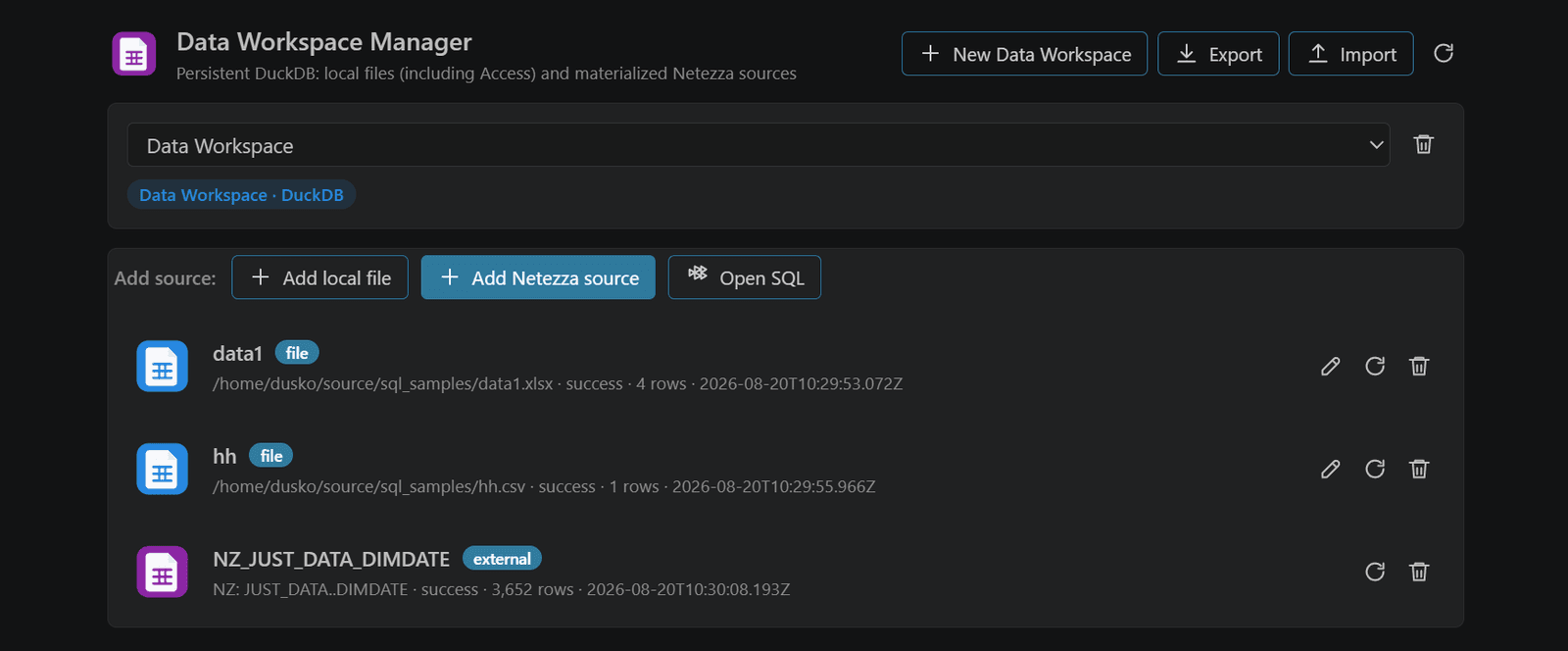
- Run Open Data Workspace Manager.
- Add a CSV/TSV, XLSX/XLSB, Parquet, Avro, MDB, or ACCDB source.
- Choose a stable workspace/profile name and inspect the detected tables/sheets.
- Open a SQL tab against the local profile and query it like a database.
- Use the Result Panel to profile, filter, join, and export the result.
DuckDB is the local analytical runtime for file-backed transformations. SQLite profiles expose SQLite-specific maintenance and integrity commands. Access uses the standalone reader/session package and an embedded mirror where the workflow needs SQL execution.
#Source capability matrix
| Source | Query | Edit source | Notes |
|---|---|---|---|
| CSV/TSV | Yes | Yes | Delimiter and decimal inference are configurable. |
| XLSX | Yes | Yes | Sheets appear as tables; workbook writes are explicit. |
| XLSB | Yes | No | Read/preview and export; edit in a supported writable format. |
| Parquet | Yes | No | Columnar, read-oriented source; export transformations to a new file. |
| Avro | Yes | No | Read-oriented local source. |
| MDB/ACCDB | Yes | Yes, through Access workflow | Native file operations are distinct from warehouse DDL. |
| SQLite database | Yes | Yes | Use SQLite maintenance/integrity commands where appropriate. |
#Local SQL semantics
File SQL is not Netezza SQL. Completion, functions, quoting, types, and maintenance follow the local dialect. The same editor shell is shared, but a query accepted by DuckDB may not be accepted by Netezza. The database matrix calls out this boundary.
#Safe editing
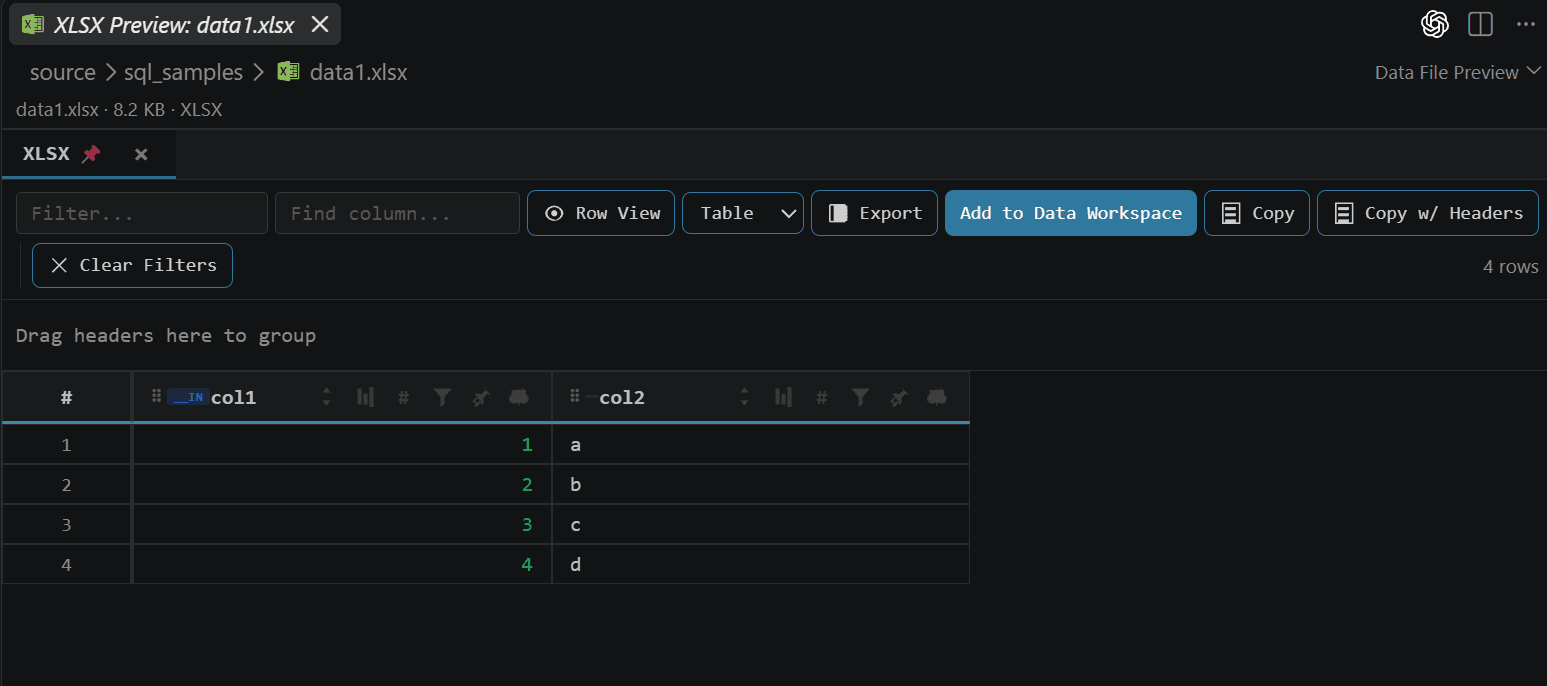
Use preview and explicit save actions. A local result grid edit writes through the file/runtime contract only when the source is marked editable. Disk-backed result sets are still read-only; spill storage is not the source file.
#Large files
Use Parquet for analytical scans and avoid loading an entire spreadsheet when a filtered query can reduce the data first. File preview has a default display limit of 20,000 rows. Exporting a result is separate from editing the original source.