← JustyBase

VS Code extension · Netezza core + database packs

JustyBase Core (NetezzaSQL) for VS Code.

JustyBase Core (NetezzaSQL) is a Netezza-first SQL extension for Visual Studio Code. It brings Netezza and PureData SQL development, schema browsing, query results, and database workflows into one editor. The Netezza package is the required core; install optional packs for PostgreSQL, MySQL, Oracle, Db2, DuckDB, and more.

Required core: NetezzaOptional database packsVS Code

01 / SUPPORT MODEL

Netezza is the core. Other databases are companions.

REQUIRED

JustyBase Core (NetezzaSQL)

Install this package first. It provides the shared VS Code workspace, connection and schema experience, results grid, import/export, notebooks, Copilot integration, and the complete Netezza/PureData dialect stack.

FULL DIALECT TOOLINGBUILT-IN NETEZZA DRIVER
OPTIONAL

Database packs

Install one matching pack for each additional database. They reuse the same workspace for connections, schema, queries, results, and exports, with database-specific capabilities where implemented.

SQLite · built inPostgreSQLMySQLOracleMicrosoft SQL ServerDb2DuckDBSnowflakeVertica
Important: optional packs do not replace the Netezza core. The deepest parser, linting, procedure diagnostics, and Netezza-specific workflows remain in the core extension; other databases receive the shared workflow plus the support implemented by their pack.

02 / MANUAL INSTALL

Install the right pieces.

Download the latest verified VSIX files from GitHub Releases. Install the core before any optional pack.

01
REQUIRED CORE

JustyBase Core (NetezzaSQL)

Install the core VSIX first. It is the main JustyBase extension and the foundation for all optional database packs.

Download latest release ↗
03
OPTIONAL · PLATFORM BUILDS

Db2 and DuckDB

These packs are shipped as separate VSIX files per platform. Choose the file matching your operating system and CPU architecture.

Db2justybaselite-db2
DuckDBjustybaselite-duckdb
The current release provides macOS Apple Silicon builds for these two packs. Check the release assets if you need a different architecture.
1

Install the JustyBase Core (NetezzaSQL) package.

2

Install the optional pack for each additional database you use.

3

Reload VS Code, then open the JustyBase view and connect.

Checking latest release…

03 / IN THE WORKSPACE

One familiar workflow.

Optional database packs use the same connection, schema, results, and import/export workspace.

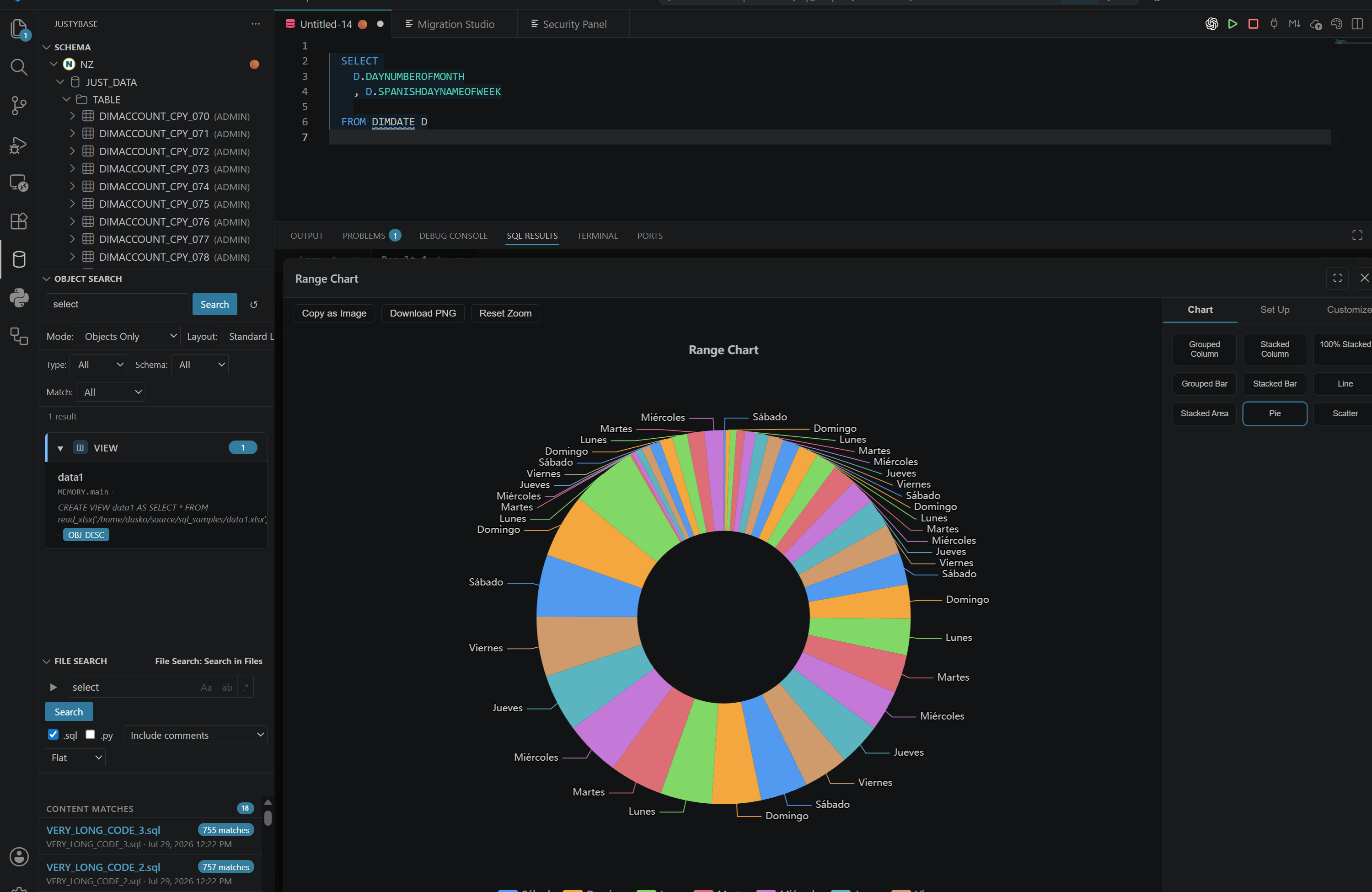
JustyBase general overview in VS Code
One workspace for connections, schema, and SQL.
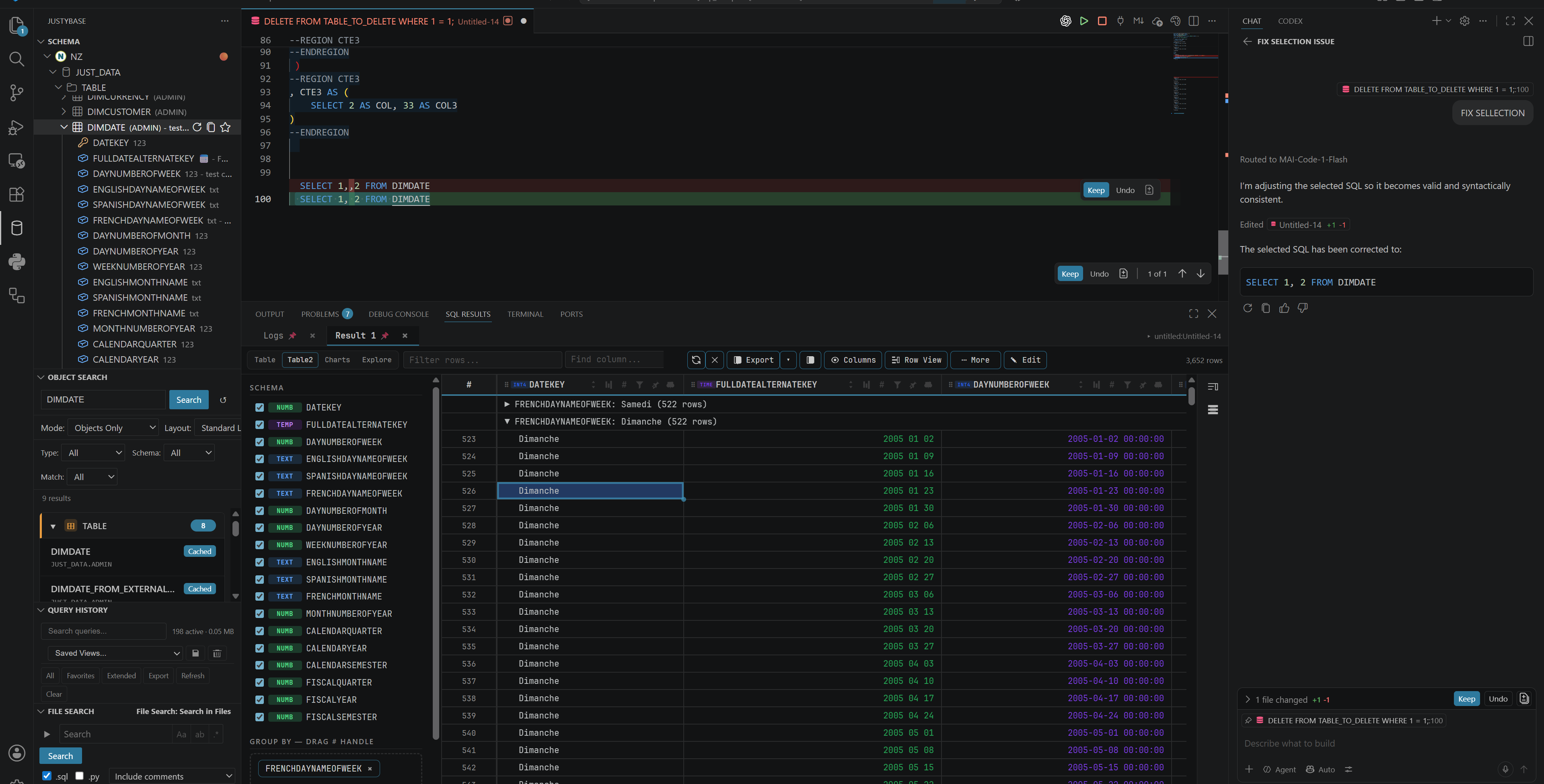
JustyBase AI Copilot chat in VS Code
AI Copilot with context for your SQL workflow.
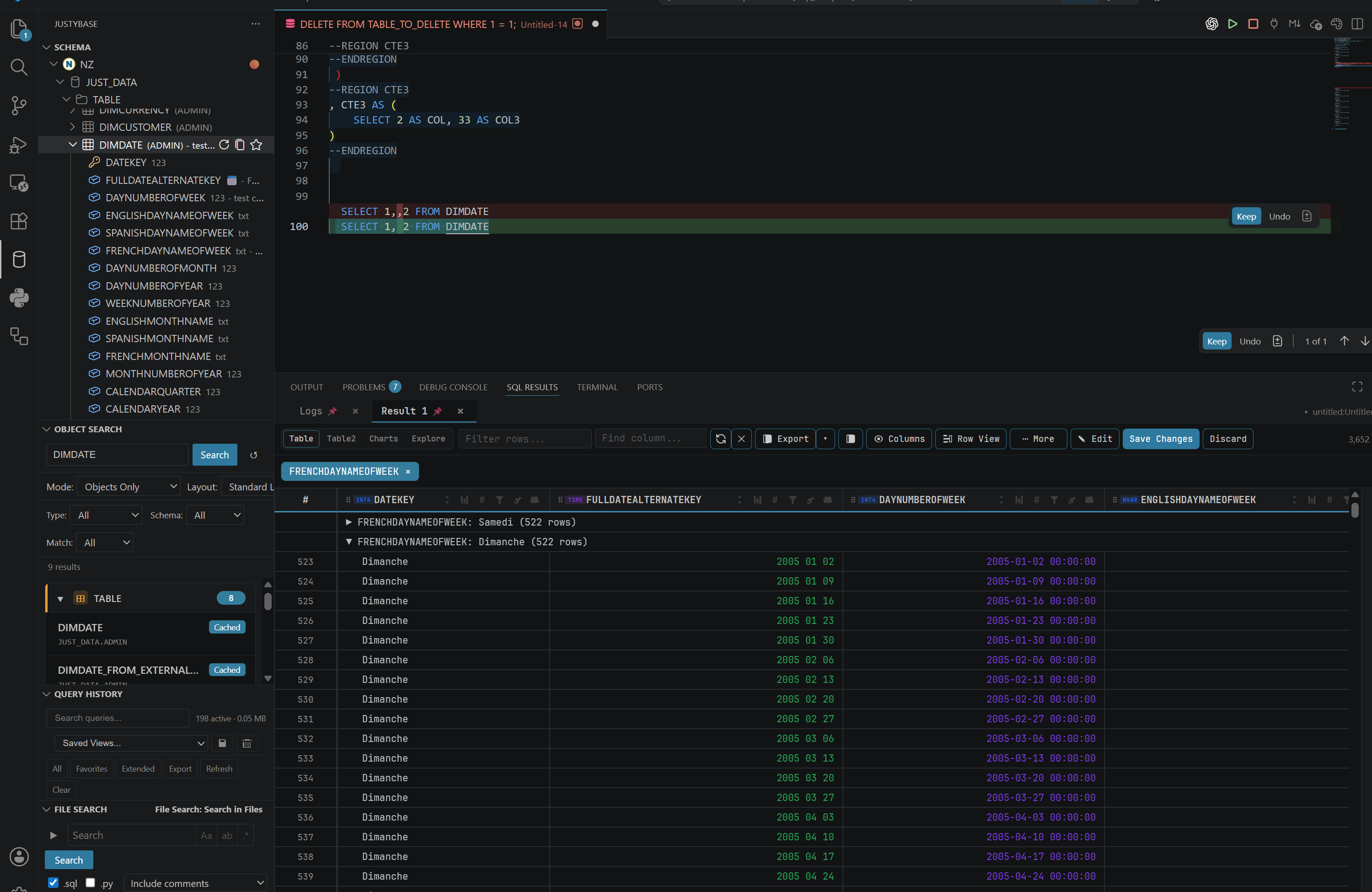
JustyBase schema browser panel
Browse database objects without leaving the editor.
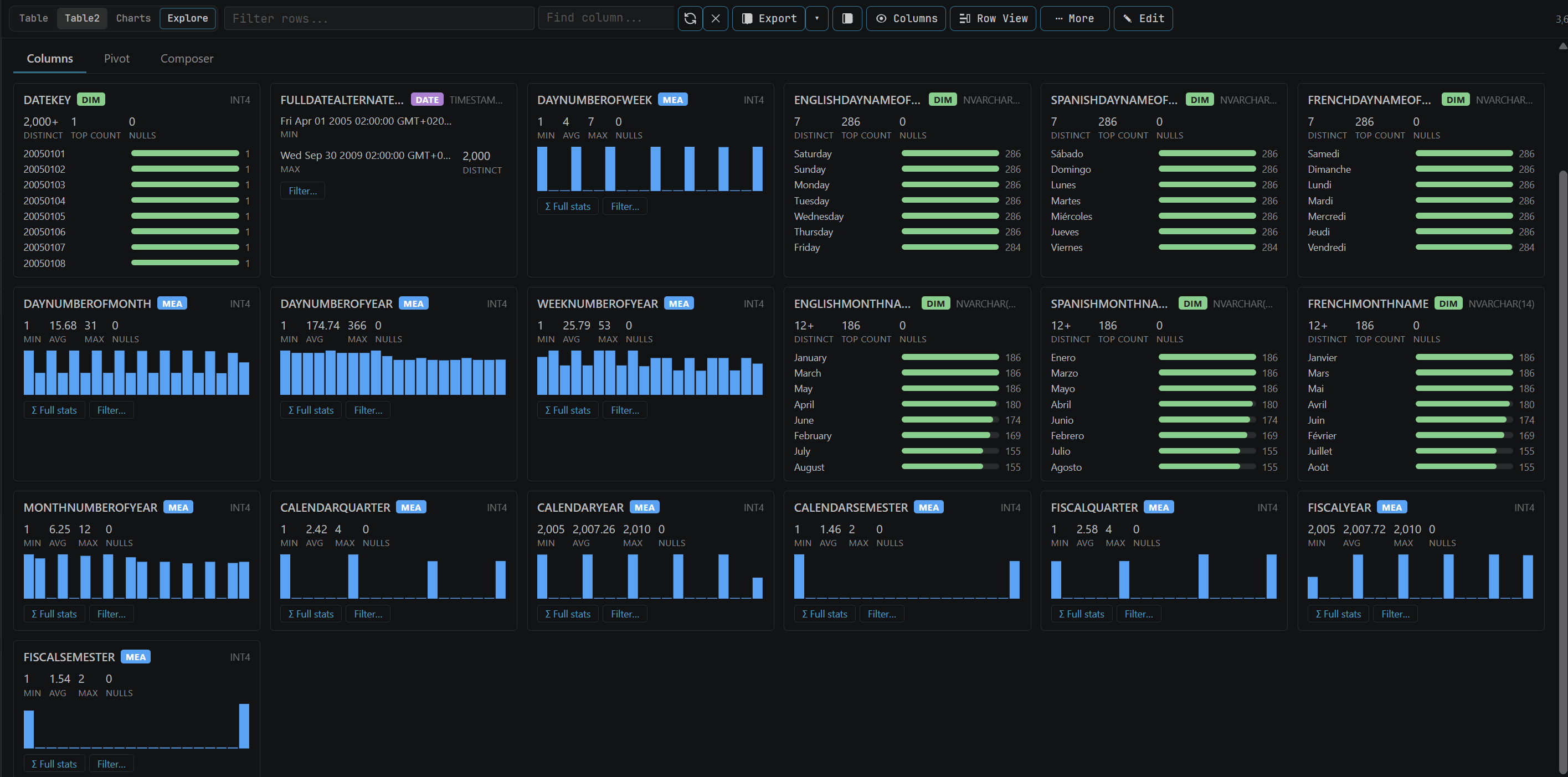
JustyBase view and edit data panel
View and edit data with a familiar grid.

Documentation & source

The README and docs in the extension repository remain the source of truth for supported capabilities, compatibility, and release details.

JustyBase Core (NetezzaSQL) FAQ

What is JustyBase Core (NetezzaSQL)?

It is a Netezza-first database and SQL extension for Visual Studio Code, with a built-in driver and a shared workspace for connections, schemas, queries, and results.

Is the Netezza package required?

Yes. The Netezza package provides the shared JustyBase workspace and is required before installing optional database packs.

Which databases have optional packs?

Optional packs are available for PostgreSQL, MySQL, Oracle, Microsoft SQL Server, Db2, DuckDB, Snowflake, and Vertica. SQLite support is built in.