CURRENT FOCUS
IBM Netezza Performance Server
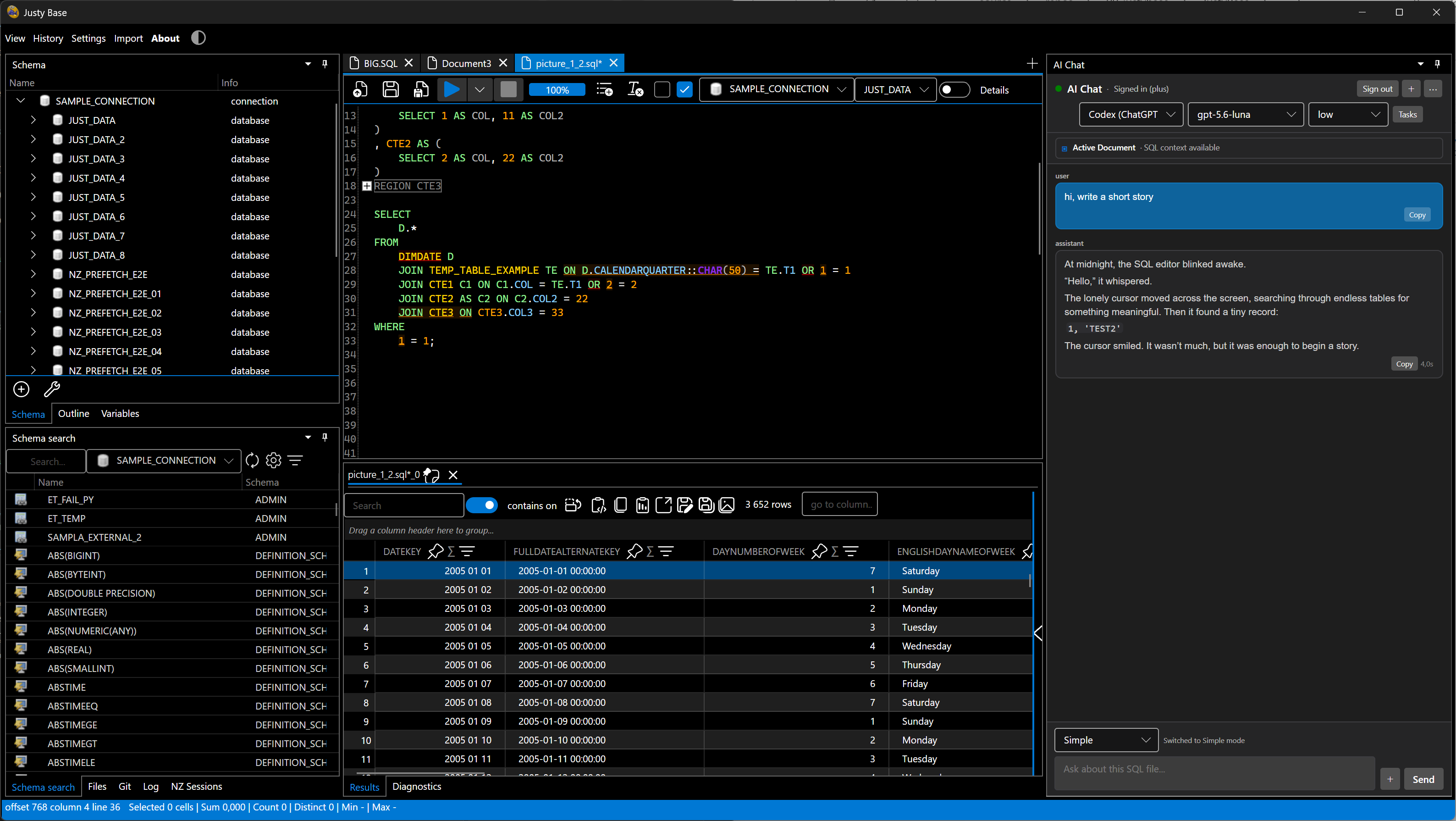
JustyBase combines Netezza-first SQL authoring, schema exploration, multi-connection work, result inspection, and data import/export in a native desktop application.
Cross-platform desktop · Netezza-first
A cross-platform SQL IDE for IBM Netezza Performance Server, built with Avalonia UI and .NET 10. Write and run SQL, explore schemas, work with Git-backed files, inspect results, and use optional local AI assistance in one focused desktop workspace.
01 / PRODUCT MODEL
JustyBase combines Netezza-first SQL authoring, schema exploration, multi-connection work, result inspection, and data import/export in a native desktop application.
PostgreSQL, Db2, Snowflake, Oracle, DuckDB, MySQL, and SQLite are represented in the plugin architecture, but the repository marks them as coming soon or work in progress.
02 / DOWNLOAD
Release builds are Native AOT packages for Windows x64, Linux x64, and macOS Apple Silicon. Windows also has an installer.
Velopack installer for Windows x64. The simplest way to install JustyBase on a regular desktop.
Download installer ↗Portable Windows x64 package. Extract it and run without a traditional installation.
Download ZIP ↗Native AOT Linux x64 archive for a portable desktop setup.
Download Linux build ↗Native AOT package for macOS ARM64, intended for Apple Silicon Macs.
Download macOS build ↗Download the package matching your operating system and architecture.
Run the Windows installer, or extract the portable ZIP on Linux or macOS.
Add a Netezza connection, open a SQL document, and start working.
Checking available release assets…
03 / FEATURES
Focused tools for the loop from SQL file to database result, with local-first assistance when you want it.
Syntax highlighting, folding, autocomplete, Quick Open, and Netezza-oriented authoring for everyday query work.
Inspect database objects and connections without leaving the editor workspace.
Review status, stage changes, inspect history and diffs, and commit SQL-backed work from the application.
Group and filter results, then export data to Excel, CSV, or Parquet.
Use embedded FIM with GGUF models, or connect to Ollama and LM Studio. AI features are disabled by default.
Release packages target fast, self-contained desktop startup across Windows, Linux, and Apple Silicon.
04 / IN THE WORKSPACE
Light and dark themes are both first-class. Screenshots are served from the source repository.
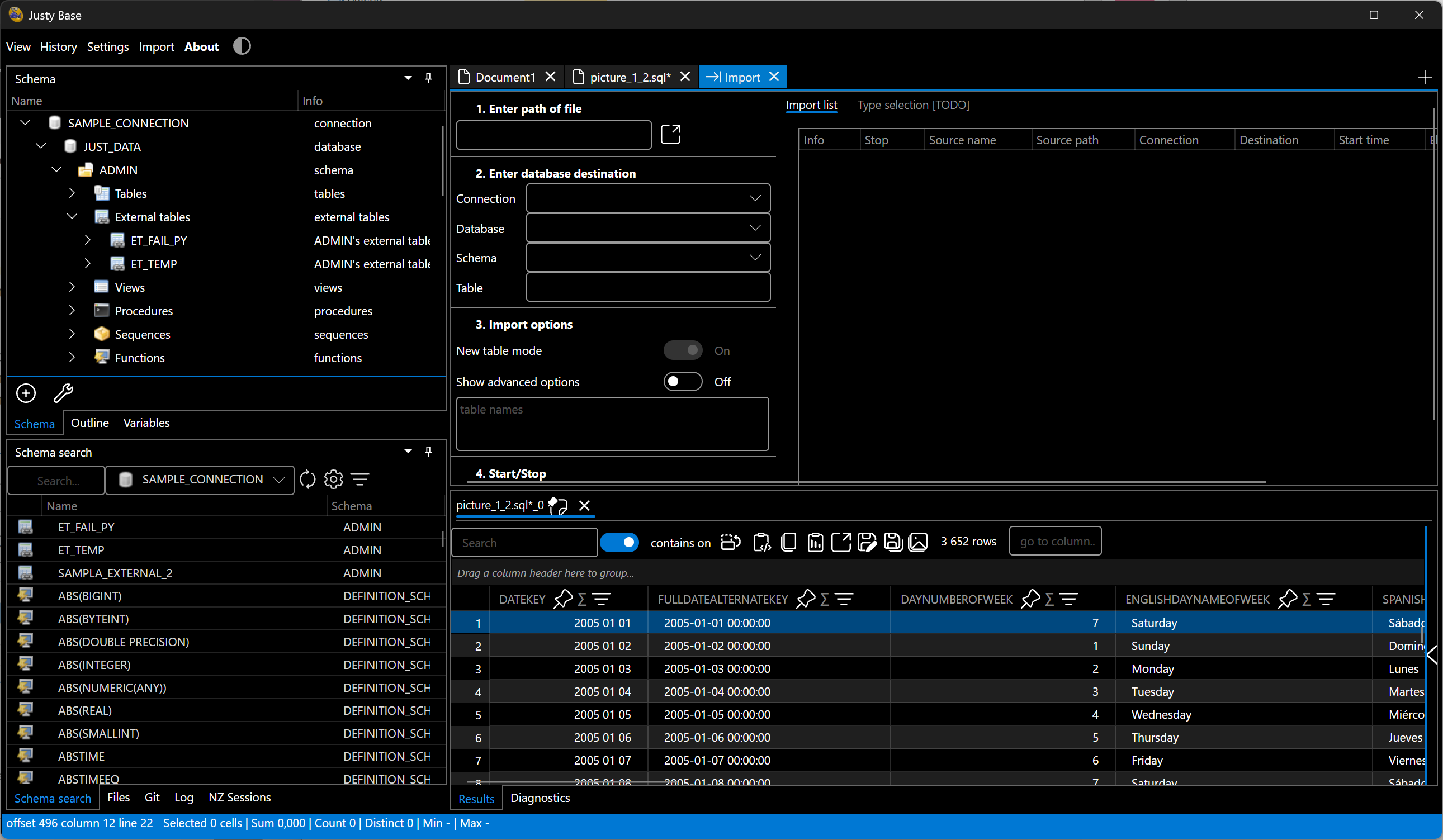
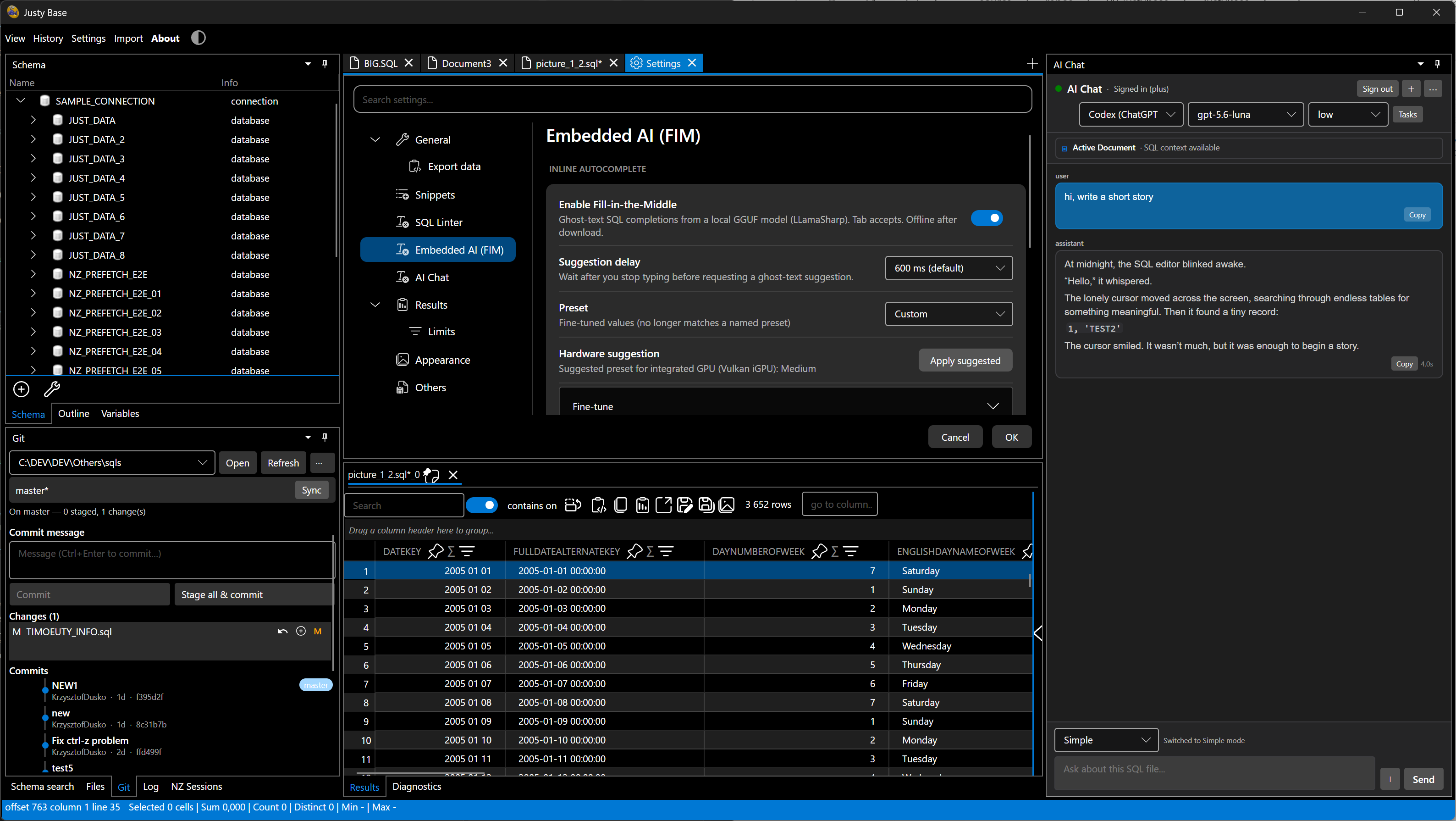
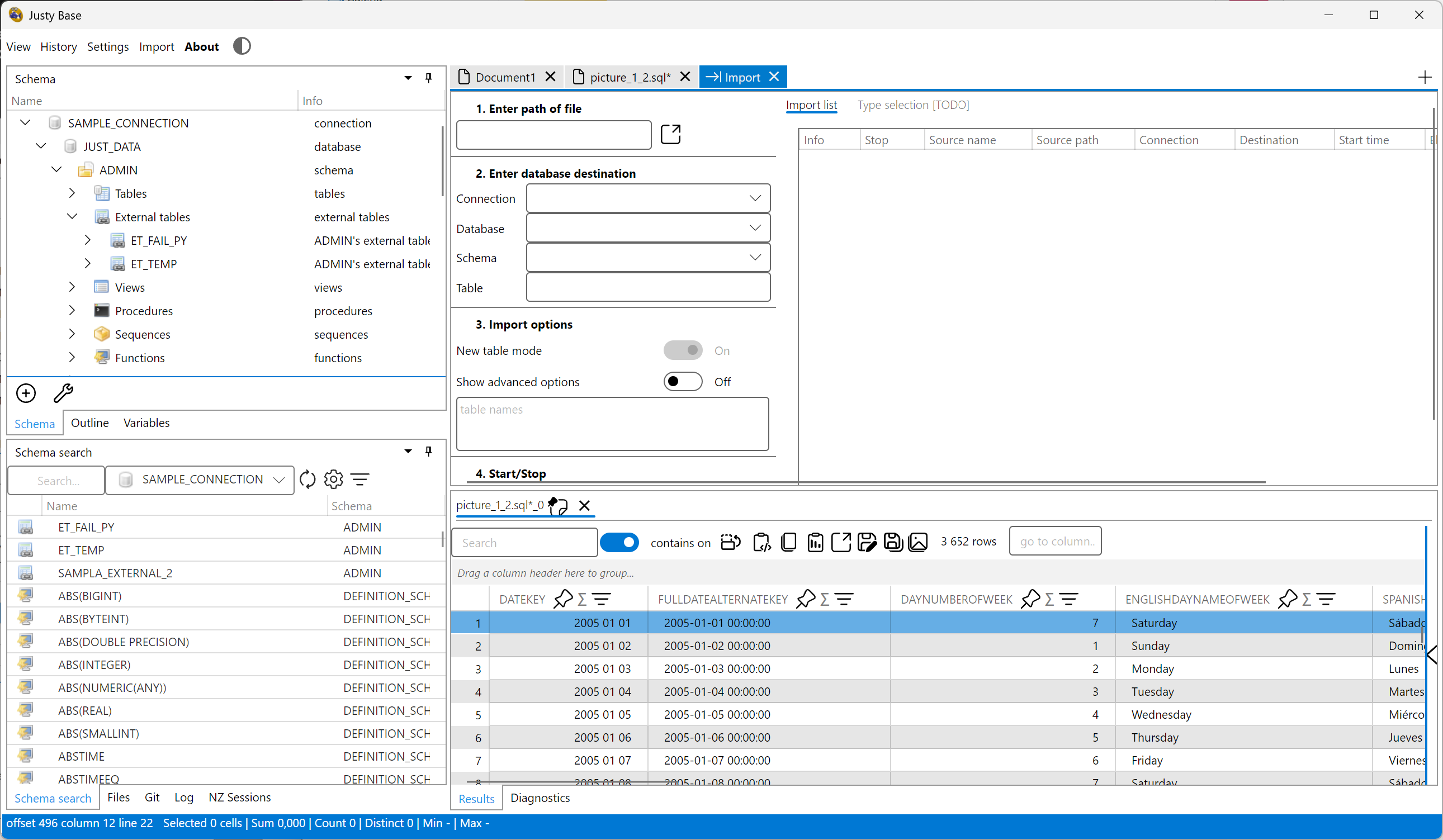
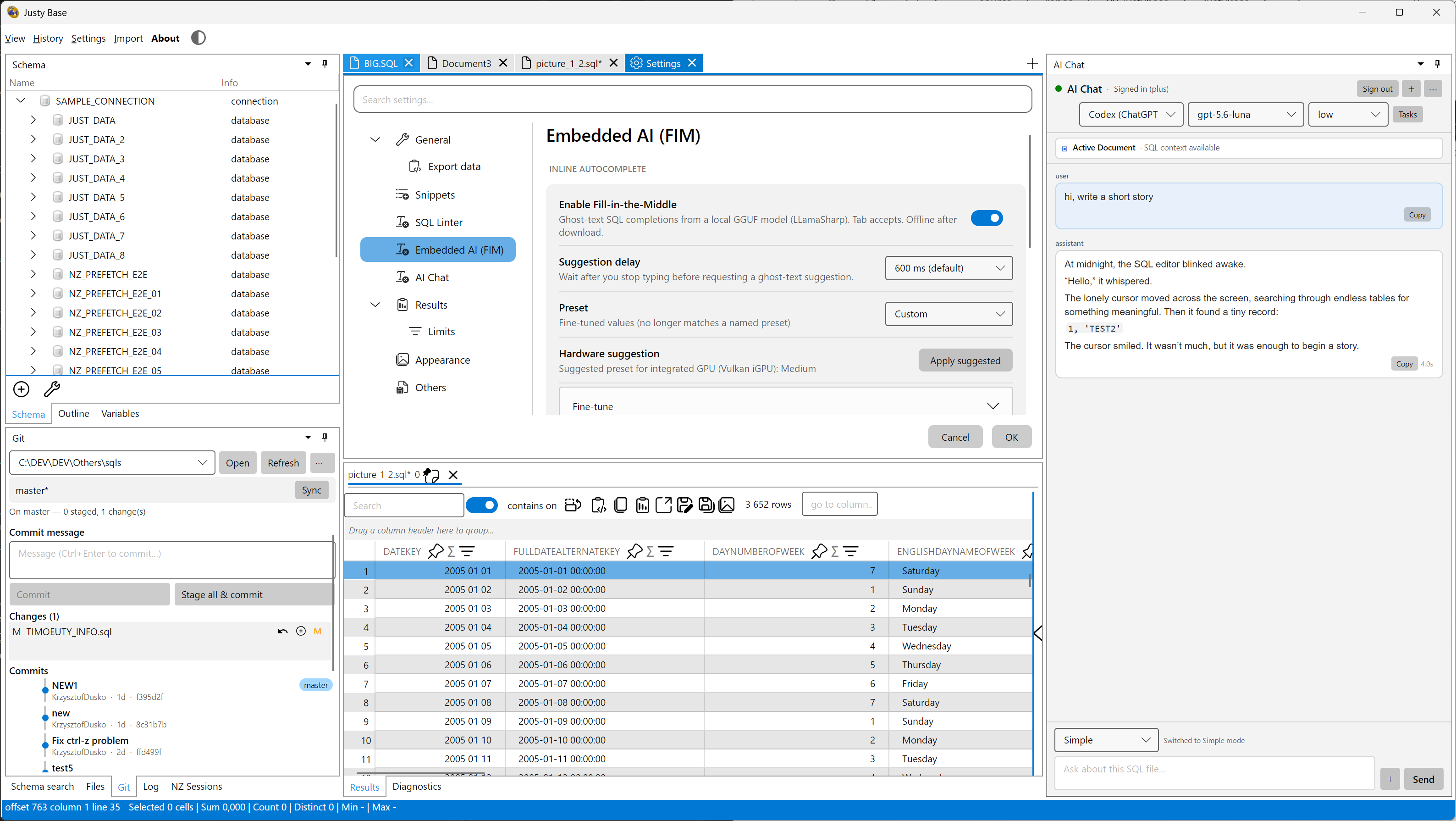
The README and docs in the product repository remain the source of truth for supported databases, AI privacy, architecture, builds, and contribution workflows.
It is a cross-platform desktop SQL IDE focused on IBM Netezza Performance Server, with SQL editing, schema exploration, Git workflows, data tools, and optional local AI assistance.
The release workflow packages Windows x64, Linux x64, and macOS ARM64 builds. The macOS package targets Apple Silicon.
Netezza is the current supported focus. Other engines are present in the plugin architecture but are marked in the repository as coming soon or work in progress.
AI is opt-in. Embedded FIM runs locally; Ollama and LM Studio use configured local endpoints. Remote provider behavior depends on the provider and the context you explicitly send.